Smart home security has moved well beyond a basic alarm and a deadlock. Modern systems can control cameras, door locks, lighting, and sensors from a single app, alert you to movement before you have left the driveway, and arm themselves automatically when you leave. For homeowners in Dunedin and across the Otago region, the technology is now practical, increasingly affordable, and well supported locally.
But the gap between a well-planned smart security installation and a frustrating, unreliable one often comes down to two things: understanding how the systems work together, and getting the wiring right from the start. This guide covers both.
What Is a Smart Home Security System?
A smart home security system is a network of connected devices that monitor your property and respond to events automatically or on command. Unlike a traditional standalone alarm, a smart system integrates with other parts of your home — including lighting, heating, door locks, and cameras — to create a coordinated response to what is happening in and around your property.
A typical system might include:
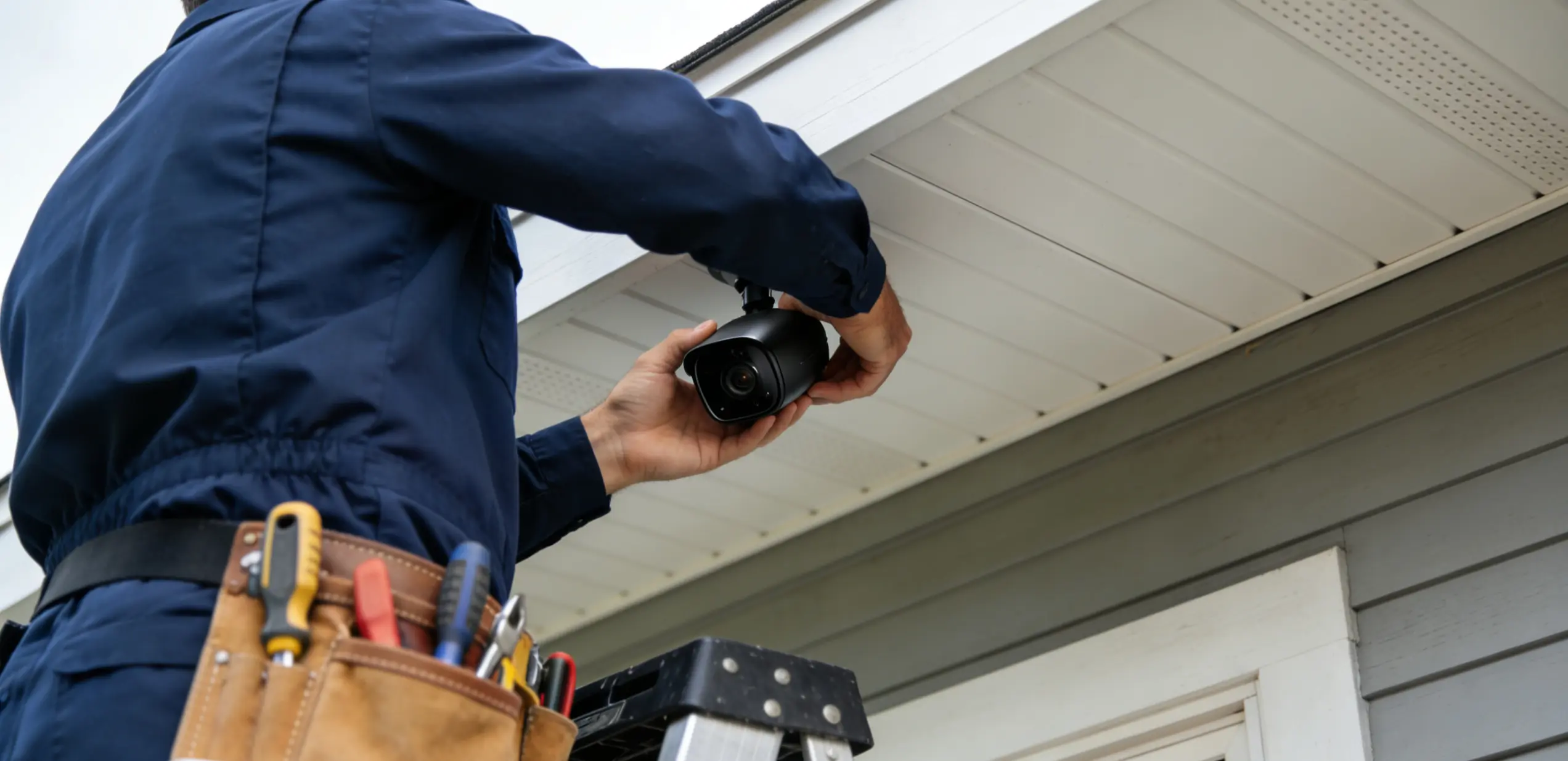
- Security cameras for live monitoring via smartphone.
- Smart door locks with digital keys and access logs.
- Motion sensors that trigger lighting or alerts.
- Smart doorbells with built-in cameras and two-way audio.
- A central hub that connects and manages all devices.
- Automated routines such as an “Away” mode that arms the alarm, locks doors, and turns off lights with a single command.
How Smart Security Integrates with the Rest of Your Home
The real value of a smart security system comes from integration. When your security components talk to your lighting, heating, and access control, the result is a home that responds intelligently rather than one you have to manually manage.
A few examples of how this plays out in practice:
- Motion is detected outside after dark. The outdoor lights switch on automatically, deterring intruders and improving visibility, without any input from you.
- You leave for work. Your phone’s location triggers a geo-fence that locks the front door, arms the alarm, and adjusts the heat pump to a lower setting.
- Someone rings the smart doorbell. You see and speak to them from your phone, wherever you are, and unlock the door remotely if needed.
- A smoke alarm is triggered. The system turns on all lights to aid evacuation and sends an alert to your phone.
This level of integration requires careful planning, compatible devices, and in most cases, proper wiring. It does not happen by purchasing a few gadgets and hoping they connect.
Wireless vs Wired: Understanding the Difference
Smart home security devices communicate using one of several wireless protocols, or through physical cabling, or a combination of both. Understanding the difference helps you plan a system that will actually work reliably in your home.
Wi-Fi
Most consumer-grade smart devices use Wi-Fi for their connection. Setup is straightforward, and devices can be added without running new cables. The limitation is that Wi-Fi can become congested in larger homes with many connected devices, and performance depends entirely on your router’s coverage and internet connection.
Zigbee and Z-Wave
These are low-power mesh protocols designed specifically for smart home use. Devices form a mesh network, meaning each device strengthens the signal for those around it. Zigbee and Z-Wave are more reliable and efficient than Wi-Fi for large numbers of devices, and they do not depend on your internet connection for local control. They require a compatible hub.
Wired (KNX, C-Bus, Ethernet)
Hard-wired systems are the most reliable option. Wired networks are not affected by radio interference, do not drop out during power disruptions to the router, and do not degrade over time. Systems like Clipsal C-Bus, which are widely installed by electricians across New Zealand, run through structured cabling and offer a level of reliability and integration that wireless systems cannot match. The trade-off is cost and complexity. Wired systems need to be planned and installed during construction or a major renovation, as running cables through finished walls is expensive.
Why Wiring Matters More Than Most People Expect
Even predominantly wireless smart security systems depend on physical wiring at key points. Security cameras need power. Smart switches replace your existing hard-wired switches. Your hub, router, and any access control panel need stable power and ideally a wired data connection for reliability.
Structured data cabling, such as Cat6 cable, forms the backbone of a genuinely future-proof smart home. Installing this during a new build or renovation costs far less than retrofitting it later. A registered electrician can plan data cabling routes alongside your power circuits so that every key location has the connectivity it needs.
In New Zealand, all electrical wiring work — including the installation of hard-wired smart switches, security panels, and any mains-voltage work — must be carried out by a registered electrician. This is a legal requirement, not just a recommendation. Non-compliant work can void your home insurance, create safety hazards, and result in costly remediation.
Not every smart home platform sold overseas is well supported in New Zealand. Before committing to a system, check that:
- The devices are compatible with New Zealand’s 230V electrical system.
- The app and any cloud features are supported and maintained for the New Zealand market.
- Local service and technical support is available if something goes wrong.
- The platform uses a standard protocol (Zigbee, Z-Wave, Matter, or Wi-Fi) that allows you to add devices from different manufacturers over time.
Platforms with strong New Zealand presence include PDL Wiser by Schneider Electric, Clipsal C-Bus, SmartThings (via Aeotec hub), and Home Assistant for technically capable homeowners who prefer a self-hosted approach.
The Importance of Switchboard Capacity
Adding smart home security devices — particularly those with always-on power requirements like cameras, NVRs (network video recorders), and access control panels — increases the load on your home’s electrical system. Older switchboards, particularly those with fuse-style protection rather than modern circuit breakers, may not have the capacity or the circuit protection to support a fully integrated smart home safely.
A registered electrician will assess your switchboard before recommending an installation plan. Where an upgrade is needed, this is also the right time to install additional circuits for dedicated smart home loads, ensuring the system has reliable, protected power. For warning signs at home, see the signs your switchboard needs an upgrade. Switchboard work is covered under our electrical rewiring and switchboard upgrades service.
Plan Smart Security Early
The single most common issue electricians encounter with smart home security is that it was thought of too late. Once walls are lined and ceilings are finished, running new cables is disruptive and expensive. The best time to plan a wired or hybrid smart security system is:
- During the design and consenting phase of a new build.
- At the start of a major renovation, before linings go on.
- During any electrical upgrade or switchboard replacement, where cables can be run with minimal additional disruption.
For homeowners in Dunedin planning a new build or renovation, involving your electrician early is one of the most cost-effective decisions you can make. Even if you are not ready to install the full system immediately, a registered electrician can pre-wire your home for smart security during construction at a fraction of the cost of retrofitting later.
What to Expect from a Professional Installation
A qualified electrician who specialises in smart home systems will typically follow a process that includes:
- A consultation to understand your goals, lifestyle, and the devices you want to include.
- A site assessment to review your current wiring, switchboard, and network infrastructure.
- A written proposal covering the recommended system, cabling plan, and costs.
- Professional installation with all mains-voltage work certified to AS/NZS 3000 standards.
- Configuration and testing of the system, including app setup and demonstration.
All electrical work in New Zealand must meet the requirements of AS/NZS 3000, the New Zealand Wiring Rules, and comply with WorkSafe New Zealand guidance. Certified installations give you confidence that the system is safe, covered by warranty, and compliant for insurance purposes.